
Available with any of the following subscriptions, except where noted:
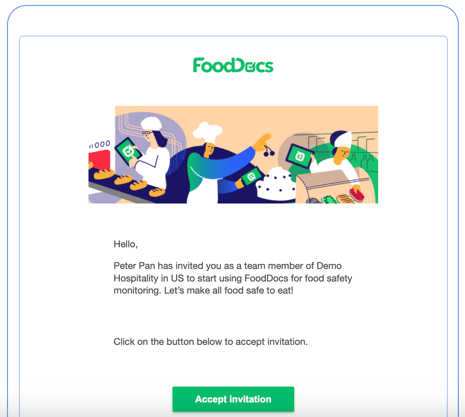
1. Accept the invitation by clicking the button in the email
If you do not receive the invitation, please also check your email’s junk or spam folder to ensure it has not been filtered there.
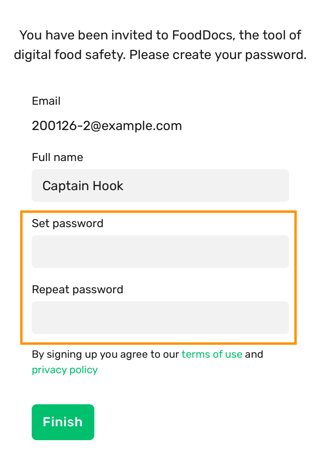
2. Create your password
4. View Standard Operating Programs (SOPs) and Prerequisites programs (PRPs)
4. View reports
Learn how to view your monitoring records from FoodDocs on the desktop version — including how to select a monitoring check, choose a date range, and download your data as a spreadsheet (CSV or XLSX) so you can analyse or share your monitoring history easily.
Finally, be sure to check out this video. A comprehensive demo of all things in FoodDocs.