
-
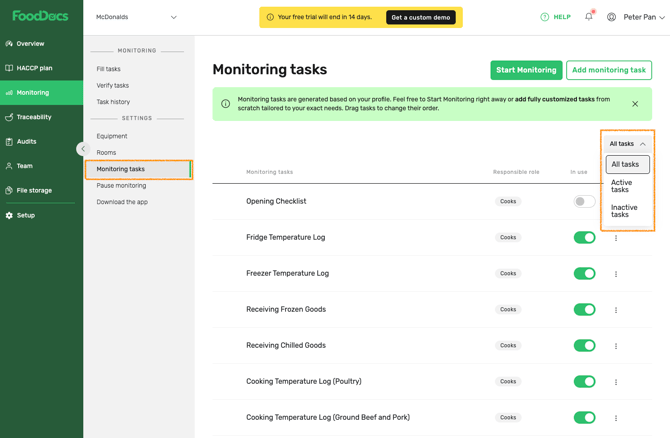
Go to Monitoring > Monitoring Tasks
- Use the filter to choose whether to show active tasks, inactive tasks, or all tasks.
- Use the toggle to switch the task ON or OFF
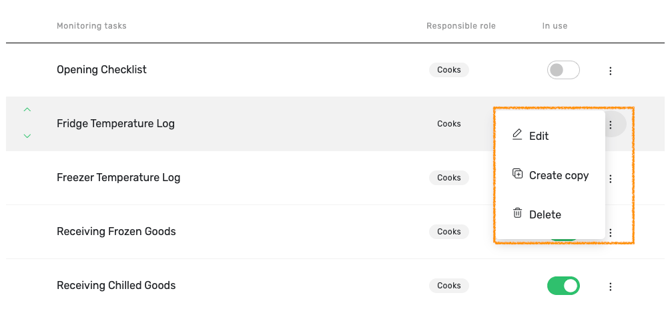
4. Click the three-dot menu to edit, copy, or delete the task.
5. Read more on how to edit default checklists or how to edit default form tasks.
Tip: Read more about how to create custom tasks and adjust them anytime