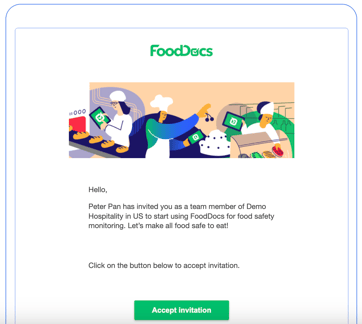
1. Accept the invitation by clicking the button in the email
If you do not receive the invitation, please also check your email’s junk or spam folder to ensure it has not been filtered there.
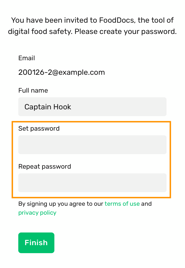
2. Create your password
3. Download mobile app
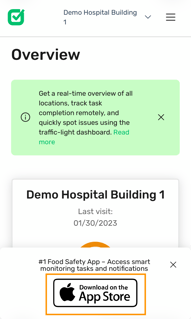
You can also download the mobile app from here
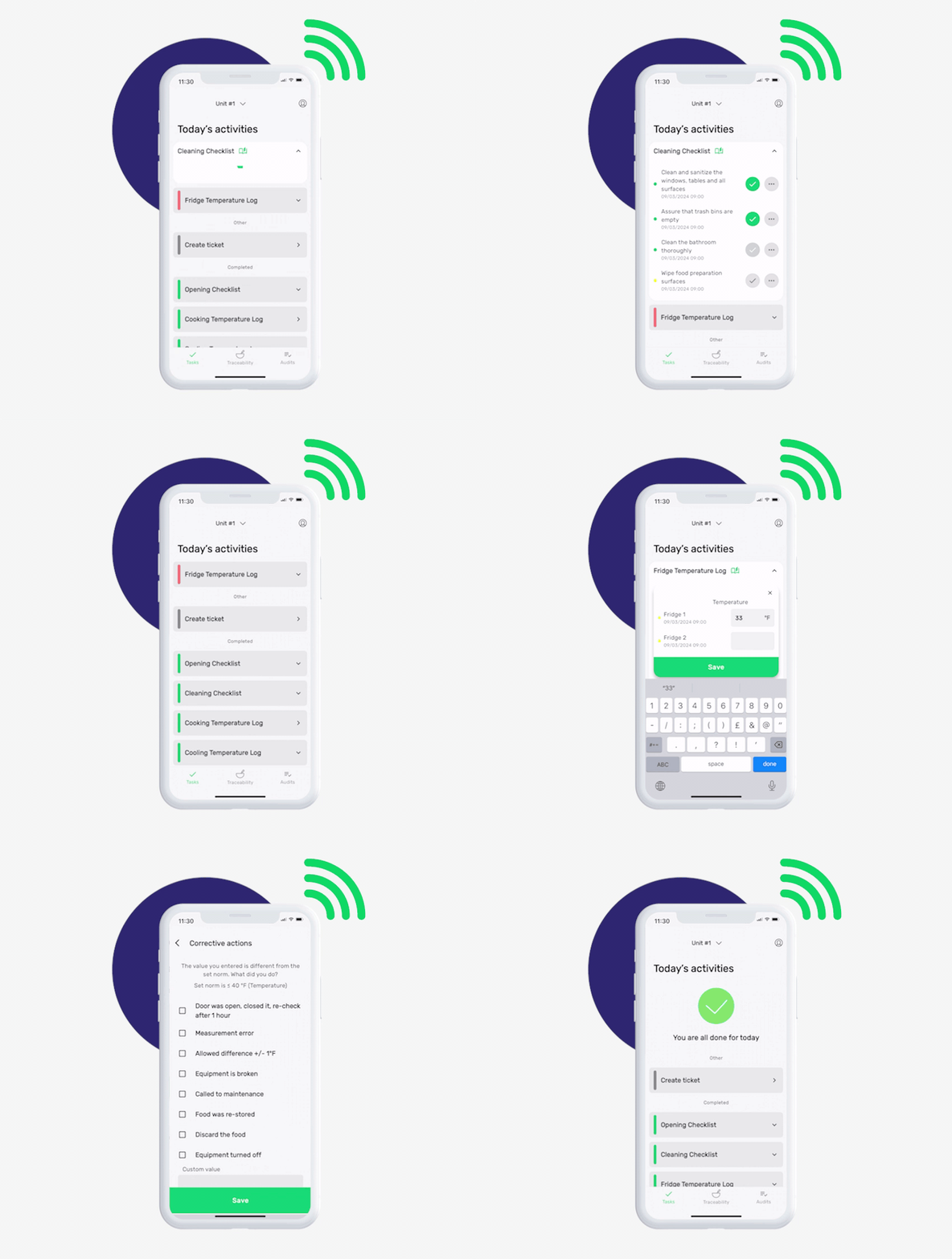
4. Start filling daily tasks
🟢 Task is completed
⚪️ Fill in the task only if an occurrence takes place (e.g., delivery, incident, etc.)
🔴 Task is due and must be completed immediately