
After receiving an email invitation to create a password and log in to your FoodDocs account, please follow these steps:
- Log into your FoodDocs account on your computer
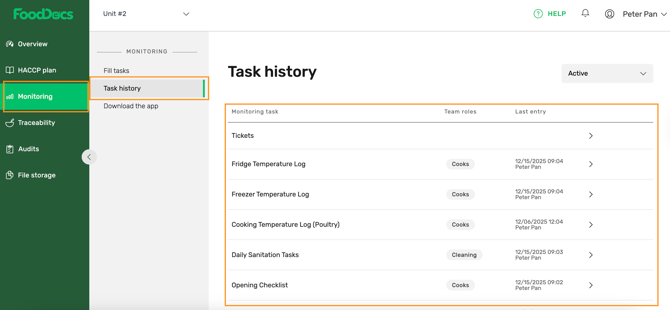
- Go to Monitoring > Task history
- Open the relevant task
Tip: Download the report or data you’re interested in for further analysis.