
Follow these steps to add additional products:
- Go to the HACCP plan feature
- Open Manage
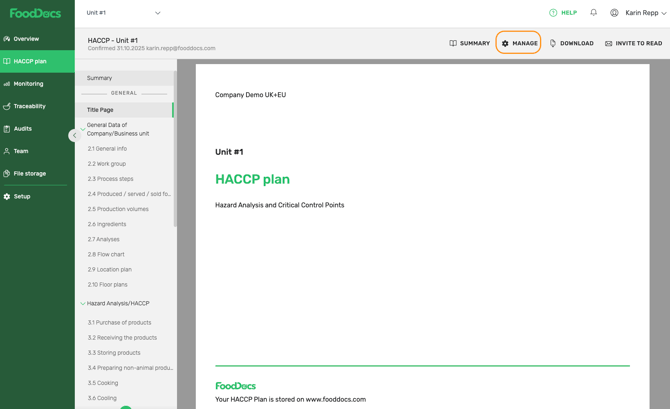
- Open Produced / served/ sold food chapter
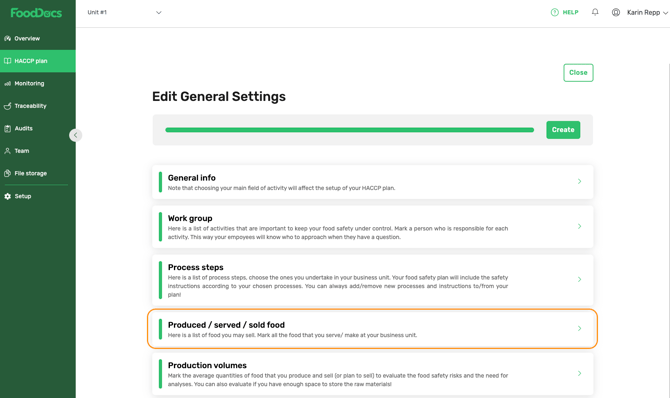
- Select / Switch on the new product group
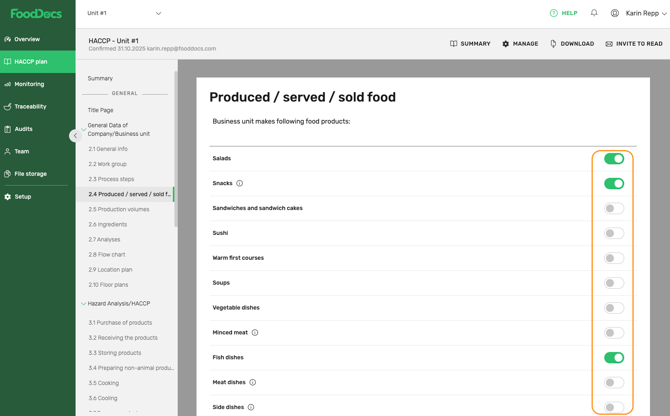
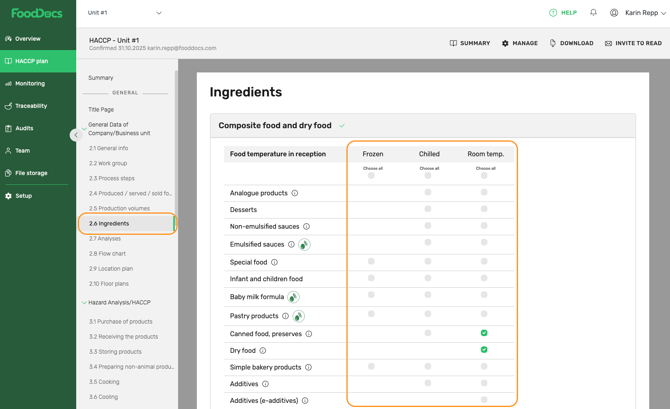
- Go to the Ingredients chapter
- Select all additional ingredients that are used to produce this newly added product
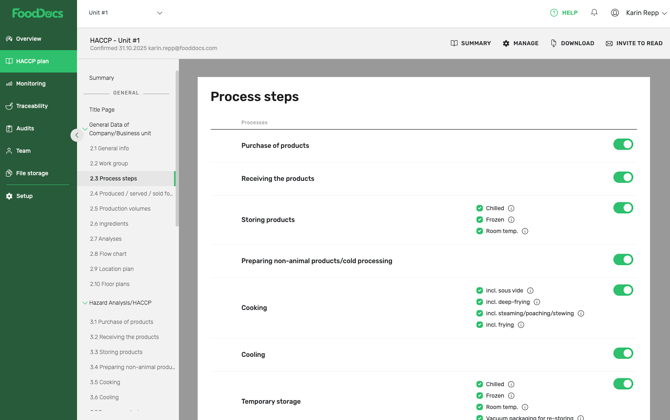
- Go to the Process steps chapter and make sure that all processes used to make this newly added product are switched on.
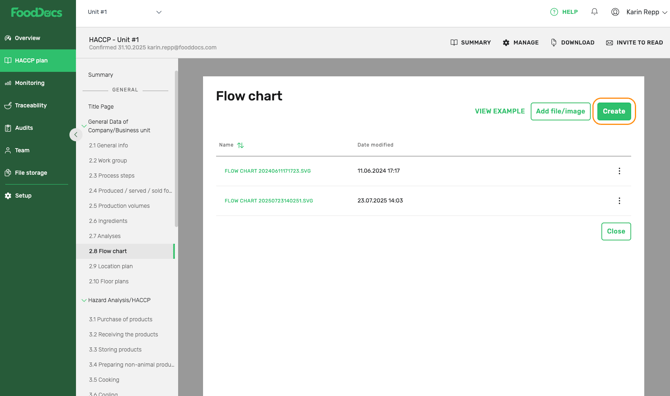
- Go to the Flow chart chapter and Create a new Flow chart for this newly added product group.
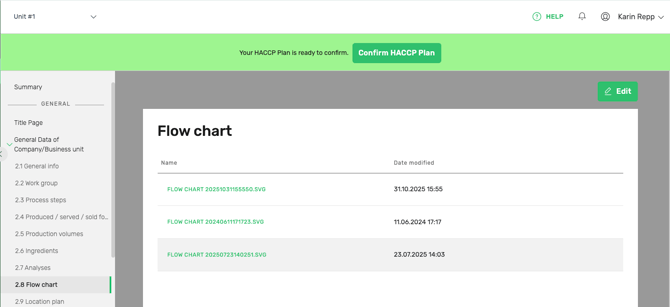
- Finish modifications with Confirm HACCP plan button and review all the chapters with changes.
Something we haven't covered?
Feel free to reach out via the Live chat button or email support@fooddocs.com