
Having designated people for daily food safety tasks ensures there is no confusion about responsibilities. When teams log in to their FoodDocs app, they know what activities they should complete and understand what’s expected of them.
How to create the roles?
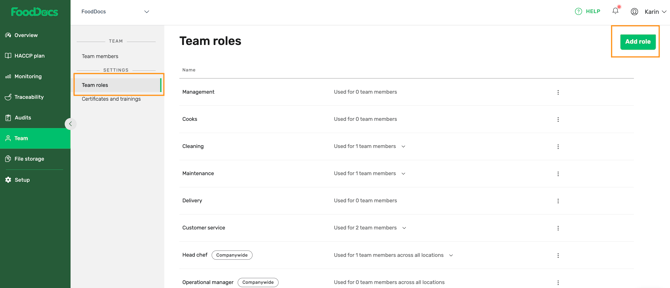
- Log into your FoodDocs account
- Go to the Team
- Click Roles
- Click ADD ROLE
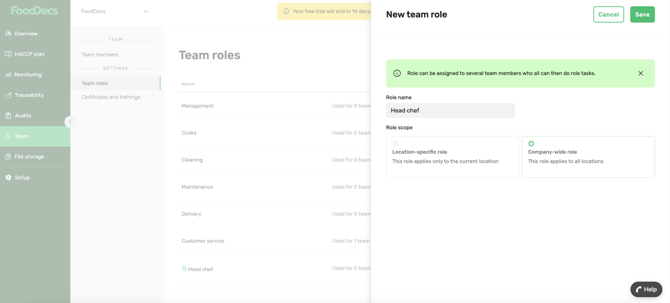
- Give a name to the role
- Choose whether this role applies only to the selected location or company-wide (across all locations)
- Click SAVE
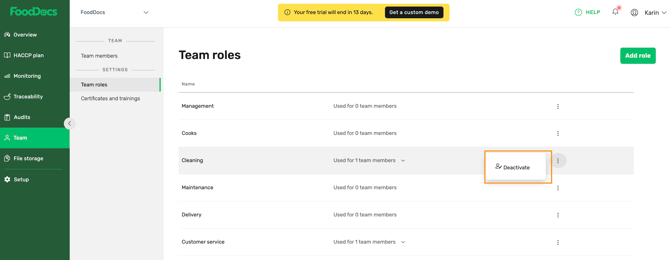
Please note: you can always deactivate/activate (default roles) and delete (custom roles) roles by clicking on three dots at the end of the row.
Something we haven't covered?
Feel free to reach out via Live chat button or email to info@fooddocs.com